You need to add a vendor before you can create a backlink campaign.
Add a provider
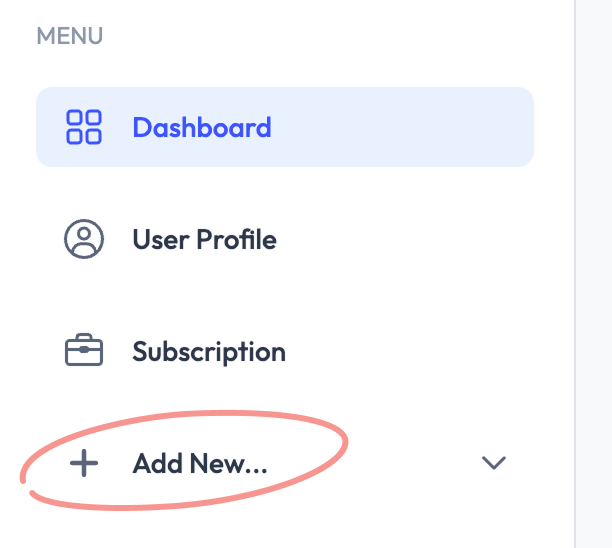
- On the dashboard sidebar, click "Add New" -> "Backlink Provider."
- Enter at least the provider name to continue.
Once created, you will see statistics consolidated under this provider for all connected backlink campaigns on the main dashboard. We recommend adding your preferred contact details for easy access when communicating with the vendor.
After creating your first provider, you are ready to add your first backlink target.